

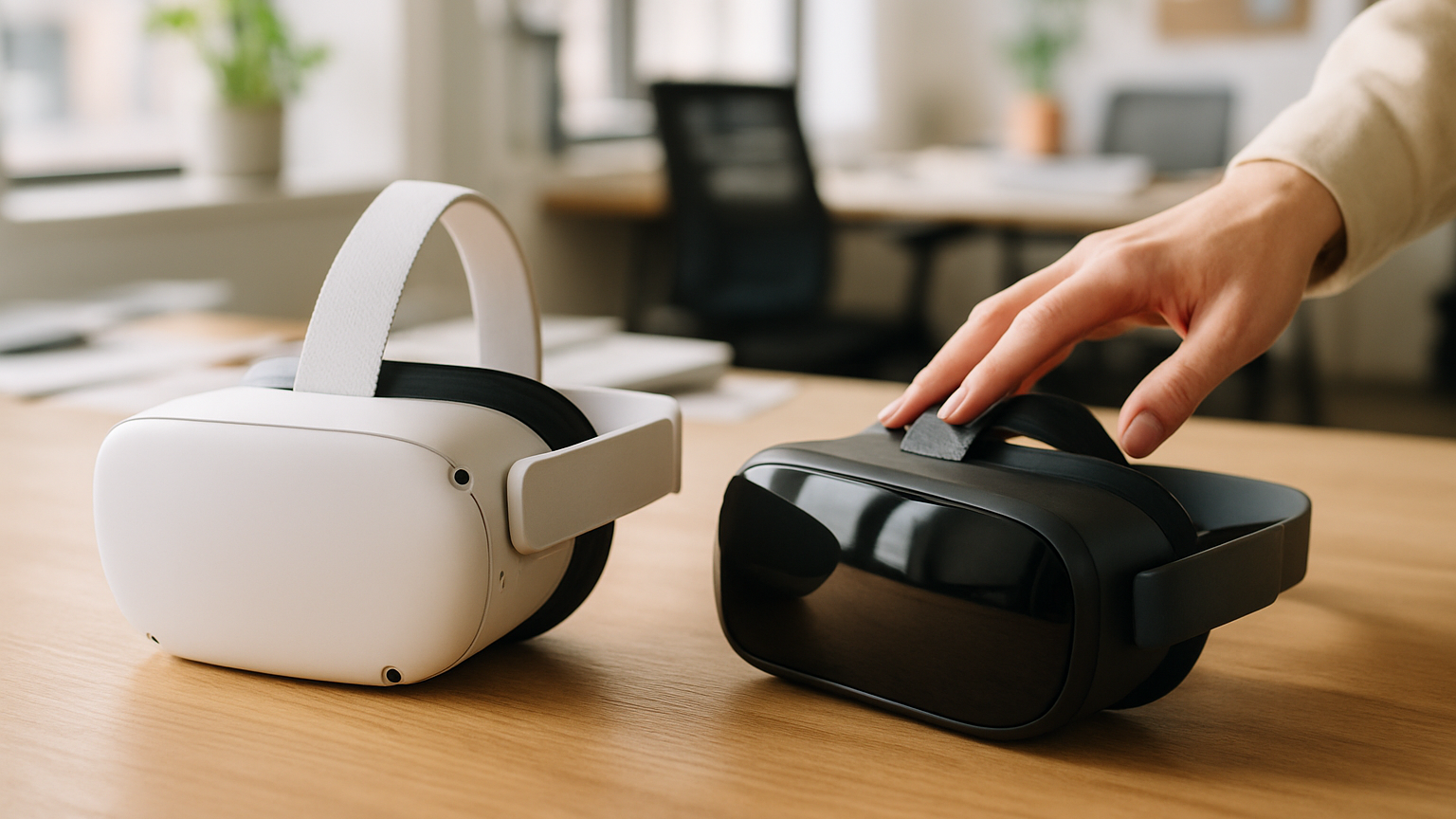
Choosing a headset is really choosing the next two years of experiments, learnings and stakeholder demos. Apple Vision Pro vs Meta Quest 3 isn’t a spec-sheet duel; it’s a strategic fork in the road for product leaders. One path is tightly integrated with Apple’s design language and premium mixed reality, the other is battle-tested for accessible VR with a thriving developer base. The right answer depends on your use case, your team’s skills and how you plan to ship and scale. That means thinking beyond pixels and processors to workflows, governance and support. Let’s unpack the differences that actually move roadmaps forward.
A practical evaluation looks at capabilities, ecosystem maturity, enterprise readiness, design trade-offs and the true cost of shipping software, not just building it. If you partner with a creative software agency like RTE Global, you’ll likely run a focused pilot first, then scale what proves value. That sequence helps you avoid platform lock-in before you’ve validated the problem. We’ll be candid about where each device shines and where it fights you. And let’s be blunt: if you don’t have a clear use case, don’t buy hardware yet. Validate the job to be done, then pick the tool.
Capabilities And Ecosystem Differences That Matter To Product Teams
Start with ecosystems, because that’s where your team will live day-to-day. Vision Pro runs visionOS with native stacks like SwiftUI, RealityKit and the broader Apple developer tooling you already know from iOS. Quest 3 sits in Meta’s ecosystem with first-class Unity support, strong OpenXR alignment and mature patterns for VR distribution. If your org is fluent in Apple’s world, shipping a polished, system-native mixed reality app can feel surprisingly natural. If your content strategy leans on Unity and cross-platform assets, Quest 3 can put points on the board faster.
Input models are a big divider. Vision Pro leans into hands, eyes and voice—no controllers—opening elegant, glance-driven interactions but requiring clear line-of-sight and lighting for reliable hand tracking. Quest 3 offers both hand tracking and its Touch controllers, giving you precise, haptic-confirmed input for workflows like training, assembly and detailed manipulation. For attention-aware interfaces, Vision Pro’s eye-based targeting enables subtle, low-friction selection patterns—just remember that system-level privacy design limits access to raw signals, which shapes your UX choices. On Quest 3, the controller paradigm remains a productivity win when accuracy and repeatability matter.
Mixed reality quality also differs in practice. Vision Pro’s passthrough and spatial anchoring support crisp, text-friendly overlays that suit dashboards, design reviews and executive briefings in well-lit spaces. Quest 3’s color passthrough brings solid room understanding and playful MR at an accessible entry point, though visual noise in challenging lighting can influence fine-detail tasks. If your demo depends on people reading small UI elements pinned to real surfaces, you’ll feel these differences quickly. For broader experiential storytelling and training, both can deliver, but you’ll tune content and contrast differently.
Developer velocity and governance round out the picture. Apple’s review process and HIG-style guidance encourage consistency and polish, which is great for executive-facing showcases but adds ritual to each release. Meta’s pipelines—from beta channels to App Lab and store pathways—tend to be friendlier to rapid iteration in Unity-first teams. A good rule of thumb for Vision Pro and Quest 3: let your priority use case pick the primary device, then abstract what you can in content and core logic so you can expand later without rewriting everything.
Apple Vision Pro vs Meta Quest 3 For Enterprise And Startups
Enterprise IT asks different questions than product does: provisioning, identity, compliance and supportability. Apple’s device management story ties into existing MDM and Apple Business Manager workflows your org may already run, which reduces procurement friction. Meta, on the other hand, offers a business-focused device management option plus account-level controls suited to fleets and training labs. If you plan to ship across dozens or hundreds of headsets, the day-zero experience—unboxing, enrolling, updating—matters as much as the headset itself. Map that flow first, then pick the platform that minimizes ops toil.
Privacy and data handling need explicit design. Apple positions sensitive signals like eye tracking as private system features, so apps work with intent-level interactions rather than raw streams. That nudges you toward respectful UX patterns by default. On Meta, the stack gives you capable input and telemetry options, and you should still implement clear consent, minimal collection and transparent communication. If leadership will ask, “Where does this data go?” have the answer in your architecture doc before sprint one—and get it reviewed with security.
Use case fit breaks down cleanly for many teams. High-fidelity MR for design reviews, data visualization and C‑suite storytelling often leans to Vision Pro’s clarity and system cohesion. Controller-heavy training, guided procedures and simulations that benefit from haptic confirmation frequently lean to Quest 3. This is not the right bet if you need a ruggedized, outdoor, helmet-compatible setup with gloves and extreme lighting—neither device is built for that without significant adaptation. Apple Vision Pro vs Meta Quest 3 is a desk-to-meeting-room decision far more than a factory-yard decision.
Startups juggle runway and credibility, so ship something specific that tells a crisp story in under five minutes. Favor a device that accelerates your pitch, your demo loop and your partner integrations—even if it’s not the one you’ll scale on later. In practice, most pilots stall not because of tech, but because content and onboarding are undercooked. If you need experienced hands to shape that first mile, partnering with a seasoned creative software agency can compress your learning curve without hiding the hard parts.
Design And Build Considerations For AR / VR Development
Designing once and deploying everywhere sounds great, but spatial computing punishes shortcuts. Treat platform interaction models as first-class citizens, not afterthought skins. Plan a shared core for content and business logic, then craft native-feeling interaction layers that respect each device’s strengths. Your backlog should separate “must be identical” from “should feel right locally” so QA knows what success looks like on each headset.
Input, Tracking And Interaction Design Choices
Hands-and-eyes UX on Vision Pro invites glance, dwell and natural gestures with minimal chrome; that’s magical when it works and frustrating when occlusion or fatigue creeps in. Controller-forward design on Quest 3 rewards explicit, confirmable actions, tool metaphors and precision tasks. Cross-platform strategy often means designing two top-level flows: a low-friction selection model for Vision Pro and a confirmable, haptic-rich flow for Quest. Calibrate gesture complexity, dwell timings and target sizes per platform, then user-test under real lighting and posture conditions, not just in a lab.
Spatial UX, Passthrough And Mixed Reality Constraints
Reality layers behave differently across devices, so design anchors, contrast and depth cues accordingly. Vision Pro tends to support crisp MR overlays that hold up for dashboards and readable text pinned to real surfaces; that invites more ambitious information density. Quest 3’s MR encourages bolder shapes, clearer silhouettes and motion cues to survive visual noise and keep comfort high. Keep locomotion gentle, prioritize safe boundaries and test in varied rooms—bright conference spaces, dim studios, cluttered home offices—to catch edge cases early.
Distribution, Privacy And Enterprise Deployment Paths
Plan where and how you’ll ship from day one. Apple gives you familiar options for internal testing and private distribution aligned with enterprise device management, which is friendly to companies already standardized on Apple. Meta supports developer channels, private distribution paths and enterprise management for controlled rollouts in training labs or field teams. Whichever route you choose, define permissions, data retention and update cadence in your deployment plan—security and ops sign-off will ask, and they should.
Budget, Timeline And Risk When Planning Custom Software Development For XR
The smartest teams de-risk before they scale. Start with a discovery sprint that nails the job to be done, success criteria and a narrow pilot that proves one user journey end to end. Resist the urge to boil the ocean with multiplayer, persistence and analytics before you have a single delightful, repeatable flow. Stakeholders remember a sharp, finished slice far more than a wide, half-done surface area.
Budget isn’t just engineering; content is where surprises hide. Every bespoke 3D asset, custom environment and animation adds both production time and QA cycles across lighting conditions and interaction modes. To move fast, combine graybox prototyping with a deliberately small set of high-fidelity hero assets. That gives you speed without sacrificing the showpiece moments your demo needs.
Timelines slip when you ignore operational friction: device lead times, app review, enterprise approvals and procurement loops. Bake in UX research, comfort testing and room-setup variability—spatial software fails in the wild if it only passes in a lab. If you need extra hands to navigate these realities, treat it as custom software development with all the discipline you’d expect on web or mobile: clear milestones, visible risk logs and standing demos.
Measure what matters: task completion, time-to-first-value, error rates and user comfort over session length. Decide now how you’ll capture signals ethically and how you’ll interpret them when platform privacy abstracts raw data. This approach won’t work if you expect perfect cross-platform parity on day one—design for equivalence of outcomes, not identical interactions. Vision Pro and Quest 3 can both win, but only if you let each do the job it’s best at.
How A Creative Software Agency Like RTE Global Partners With You
RTE Global partners with enterprises and startups as true collaborators—from framing the bet to shipping the build. With more than 140 completed projects, we’re comfortable owning outcomes, not just tickets, and aligning pilots to the KPIs leadership actually cares about. Expect a path that moves from discovery to prototype to pilot, then scales what works without throwing away earlier investments. The goal is higher quality digital products that stand up in front of real users and demanding stakeholders.
Our teams combine emerging technology with strategic and creative thinking so you never have to choose between feasibility and wow. Designers, engineers and 3D artists work as one unit, pruning scope where it adds risk and investing where it creates differentiation. You’ll see the trade-offs in plain language, with options that respect your budget and timeline. It’s a practical way to build brand-defining experiences without gambling the roadmap.
Co‑development and knowledge transfer are part of the engagement, not add‑ons. Your team leaves with reusable components, documented pipelines and repeatable ways to test in spatial contexts. After some time, one issue usually comes up—how to sustain content and iteration speed—so we plan for that with governance and asset strategies from day one. When your org is ready to grow beyond a pilot, you’re not starting from scratch.
Whether you’re exploring Vision Pro or Quest 3 prototypes, we can help you choose where to start and how to prove value fast. If you’re considering an immersive rollout, dive into our approach to AR / VR Development and see how it translates into production reality. Apple Vision Pro vs Meta Quest 3 is a meaningful decision—but with the right plan, either path can elevate your product and your brand. The key is to pick for the job, then build with intention.