

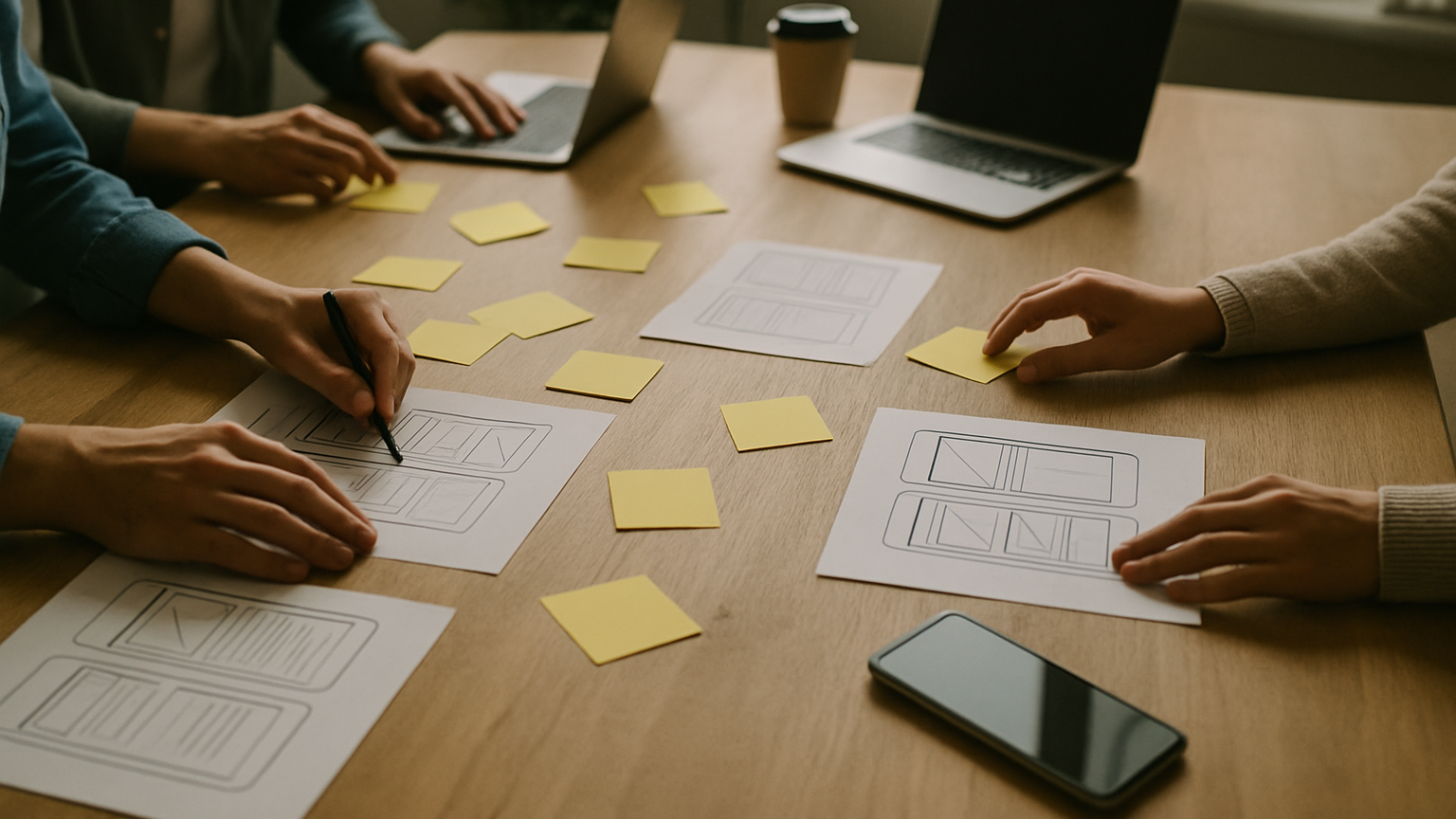
Picture your team kicking off a new product: big vision, ambitious timeline, and five different interpretations of what “MVP” really means. That’s where software prototyping earns its keep. A prototype turns assumptions into something you can see, click, and critique—long before you hire an army of engineers or lock your roadmap. Done well, it compresses debates, exposes blind spots, and creates a shared language across product, design, and engineering. And because it’s deliberately temporary, you’re free to explore bold directions without the sunk-cost anxiety that comes with production code.
If your goal is education—helping the whole team learn faster—prototyping is the shortest path to clarity. You get signal on whether users understand the value, whether the flow matches their mental model, and where the friction actually lives. You also get early feedback from stakeholders who might otherwise wait until sprint five to raise a critical concern. Think of it as a rehearsal dinner for your product: the same characters, a similar script, but far cheaper to fix if something goes sideways.
Why Prototyping Matters Before You Write A Single Line Of Code
Let’s be blunt: code is expensive; pictures are cheap. The earlier you spot a mismatch between what users expect and what you plan to build, the less it costs to correct. Prototyping reduces risk by transforming fuzzy requirements into concrete interactions you can walk through together. Suddenly, scope is not a document—it’s a set of screens and flows with real decisions to make: do we support guest checkout, how do we handle edge cases, what happens when a request fails offline. That specificity keeps teams from building beautiful, wrong things.
Prototypes also align incentives. Product gets faster validation, design sees how patterns hold up under stress, and engineering can flag areas likely to explode in complexity. Even a rough click-through can reveal that two “simple” features collide, or that your onboarding needs one more step to set expectations. In practice, most teams discover at least one we-assumed-wrong moment in their first round of testing. Catch it now, and you’ll save weeks of rework later.
For whom is this not? If your project is a tiny internal utility with a single user type and ironclad requirements, heavy prototyping may be overkill. If you cannot access users at all, you risk overfitting to stakeholder opinions—run a narrower experiment or push for even a handful of user sessions. And if regulatory constraints lock down the interaction model, treat the prototype as a compliance rehearsal rather than an innovation sandbox. The point is not to prototype because it’s trendy; it’s to learn what matters fastest.
From Idea To Sprint: Where Prototyping Fits In The Development Lifecycle
A healthy product lifecycle moves from discovery to decisions to delivery. Start with analysis: clarify the business goal, target users, and the outcomes that would make the project a win. Then move into a design loop where low-fidelity artifacts translate user journeys into screens, states, and flows. This is the sweet spot for a prototype—right after you know what problem you’re solving and before you lock scope—and it dovetails with our development process where analysis feeds prototyping, which then informs the backlog for development and testing.
Once the prototype holds up in review and testing, it becomes the backbone for delivery. Engineers get unambiguous flows and acceptance criteria; QA sees expected states and edge cases; product can prioritize slices that make sense for incremental releases. This handoff reduces ambiguity in sprint planning and makes effort estimates far more grounded. Think of each interaction as a contract—if it’s not in the prototype or documented next to it, it’s a risk you’re carrying into the sprint.
When you transition from prototype to build, leverage teams with proven delivery patterns. For example, turning validated flows into resilient architecture is where strong engineering practices—layered design, maintainable code, and robust documentation—really matter. That’s the spirit behind RTE Global’s custom software development expertise: translate clarity from design into systems that scale without surprises. The prototype lights the path; the engineering discipline keeps the footing sure.
Methods And Fidelity: From Sketches To Clickable Flows
Not every prototype should look—and cost—the same. Match fidelity to the question you need answered. If you’re exploring value proposition and basic navigation, stay low-fi and go wide. If you’re validating microinteractions or content tone, kick fidelity up just enough to make responses meaningful. And when the problem calls for specialty tech or platforms, consider the right mix from our range of services so you’re testing the risk that actually threatens success.
Two axes guide your choice: market risk and technical risk. Market risk asks, do people want this and can they use it; technical risk asks, can we build it with acceptable performance and cost. Low-fi prototypes crush market risk early; proofs of concept tackle technical unknowns. High-fi prototypes sit in the middle, surfacing usability details and organizational buy-in without prematurely building a full stack.
Low-Fidelity Prototypes: Whiteboards, Paper, And Wireframes
Grab a marker, sketch the core flow, and walk through a realistic task. Low-fi artifacts force you to focus on structure, language, and decision points rather than color and polish. They’re perfect for mapping the happy path, exposing missing states, and getting fast alignment from stakeholders who might otherwise debate aesthetics. Because iteration is nearly free, you can explore multiple directions in an afternoon and keep only what earns its way forward.
A good wireframe shows hierarchy, not decoration. Label buttons with true actions, write microcopy that sets expectations, and include one or two messy edge cases to pressure-test the flow. If your team argues about icon sets at this stage, you’ve gone too far. The goal is clarity, not consensus on shades of blue.
High-Fidelity Prototypes: Design Systems And Interactive Click-Throughs
When questions shift to comprehension, perceived speed, or trust, high-fidelity helps. Use your design system to keep components consistent, then build interactive flows that approximate real transitions and error states. This level of fidelity unlocks better feedback on copy, hierarchy, and cognitive load because test participants experience something close to the final product. It also helps stakeholders visualize the release narrative—what ships first, what can wait, and what deserves a small experiment.
Beware of over-polishing too soon. High-fi can seduce teams into thinking decisions are final, even when core assumptions aren’t proven yet. Keep interactions purposeful, tag uncertain areas clearly, and treat the prototype as a learning tool, not a contract. It’s okay to say, “this screen is here to learn whether users understand X,” and leave the rest rough.
Proofs Of Concept Vs Prototypes: When To Validate Tech Feasibility
A prototype answers, “Do users understand and value this flow?” A proof of concept answers, “Can we make this technology do the thing reliably?” They’re cousins with different goals. If your risk sits in performance, hardware integration, or third-party constraints, spin up a PoC to de-risk that path first. Then, wrap the successful PoC with a prototype that tackles usability and desirability.
Teams working with emerging platforms—vision sensors, spatial mapping, offline-first sync—benefit from running these tracks in parallel. One stream pushes on feasibility, the other on experience, and they meet when both signals are green enough to justify build. This keeps you from falling in love with a beautiful flow that physics won’t support, or a clever technology no one can actually navigate.
Software Prototyping In The Real World: Timelines, Costs, Outcomes
Real projects have budgets, deadlines, and stakeholders with strong opinions. The good news is that prototyping cycles are often measured in days or short weeks rather than months, especially at lower fidelity. Your timeline depends on team availability, decision latency, and how many user sessions you can schedule quickly. Keep the loop tight: frame the question, build just enough to test it, run sessions, decide, and move on.
Costs map to fidelity and breadth. Sketching ten directions is cheap; crafting pixel-perfect flows for all of them is not. Anchor investment to risk—put more effort where a wrong call is financially or technically painful, and keep the rest scrappy. In practice, most teams discover at least one assumption that changes scope, and it’s common to shed features that added complexity without adding value.
What outcomes should you expect from software prototyping? Clear decisions on feature priority, evidence-backed user journeys, and a backlog that maps cleanly to sprints. You’re aiming for confidence, not perfection: a shared understanding of what to build first, what to postpone, and what to drop entirely. That clarity is the compounding interest that pays off across development, testing, deployment, and support.
Testing A Prototype With Users And Stakeholders—Without Bias
Good sessions start with good questions. Recruit the right users, set a clear task (for example, “find and book a session with a mentor under $X”), and avoid leading prompts. Your job is to observe comprehension, navigation choices, error recovery, and moments of uncertainty. Stakeholders should watch quietly or view recordings later; the goal is to collect behavior, not negotiate opinions during the session.
Bias creeps in faster than you think, so design your process to keep it out. Use neutral language, counterbalance task order, and have a second observer take timestamped notes. When you synthesize, separate quotes, behaviors, and your interpretations into different layers. Decisions should rest on patterns across sessions, not the loudest comment in the room.
- Ask participants to think aloud, but don’t rescue them from confusion—confusion is data.
- Time tasks to spot friction; long pauses often reveal unclear labels or hierarchy.
- Show alternate flows to test preference, not just success/failure.
- Record sessions (with consent) and tag moments where intent and outcome diverge.
- Debrief immediately after each test while observations are fresh.
When stakeholders review, bring them evidence, not just conclusions. Play short clips that illustrate patterns, show heatmaps or path summaries if available, and tie insights back to business outcomes. The best output is a set of specific changes, ranked by impact and effort, with owners and deadlines. That way, the prototype keeps teaching while the team keeps moving.
Designing For Mobile And Immersive: AR/VR Prototyping Pitfalls
Mobile prototypes must respect the realities of thumbs, thumbs reach, and intermittent connectivity. Test gestures explicitly—swipes, long-press, pull-to-refresh—and verify that targets meet comfortable tap sizes. Simulate weak networks and offline states early; error handling is part of the experience, not an afterthought. If your app depends on sensors or camera access, approximate those conditions in testing so performance surprises don’t show up in production.
Immersive work raises the stakes. Field of view, depth cues, and motion comfort all influence whether an experience delights or makes users queasy. Prototype spatial interactions with attention to scale and affordances—what does “hover” or “focus” feel like in 3D, and how do you communicate state without cluttering the scene. Latency is not a detail here; it’s the line between presence and nausea.
When your risks involve tracking stability, controller ergonomics, or scene complexity, pair experience prototypes with feasibility spikes. That’s where specialists who live and breathe immersive tech save you time and missteps. If you’re exploring spatial interfaces, training scenarios, or mixed-reality workflows, it’s worth tapping into dedicated AR/VR development services to validate both interaction and implementation paths in tandem.
The principle holds across platforms: prototype to learn, then build to last. Use low-fi artifacts to map the journey, high-fi to tune comprehension and trust, and proofs of concept to tackle the physics. With that rhythm, software prototyping stops being a checkbox and becomes your team’s competitive advantage.